Setting Up the AI Cool / AIP App for TranslationUpdated 5 months ago
TravelerAI works with the AI Cool / AIP app (VIP subscription included).
Setup steps
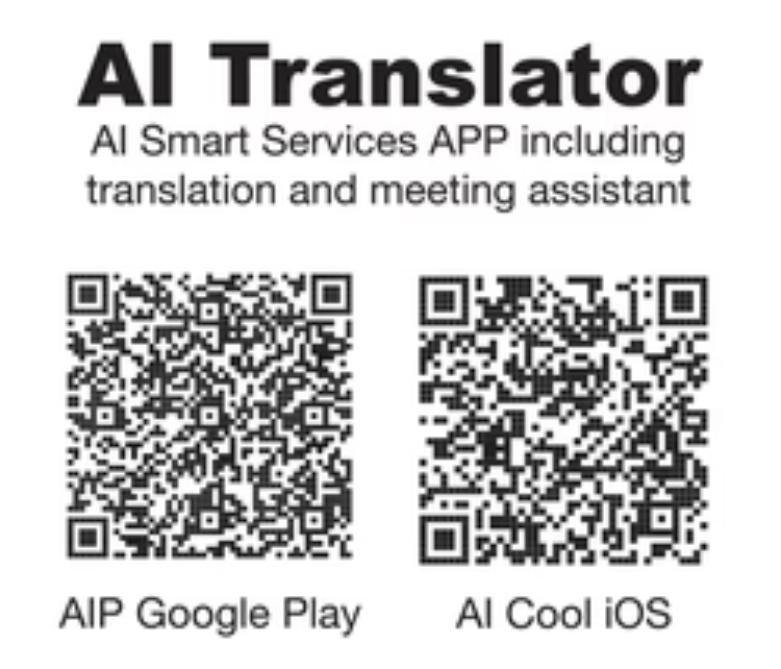
Download the app from App Store or Google Play (QR code below).
Register with your email and enter the verification code sent to you.
Bind your headset. The app associates to your model number and device MAC address.
Pair earbuds via Bluetooth if not auto-detected.
Open Simultaneous Interpretation.
Using translation
Choose languages (source/target) from the header.
Tap the green microphone to start; tap red to stop.
Tap the speaker icon to switch output type (e.g., Earphone Mode for both headsets; pause music first so audio doesn’t overlap).
On-screen views:
Normal: chronological two-language feed.
Talk: splits left/right sides for easy reading by two people.
Block: two separate blocks.
Tips for best results
Use Wi-Fi or 5G for low delay
Pause any music before translation
Expect a slight delay – it uses cloud AI and depends on device performance and network speed (depends on device + network)